Automation
ESP32 Smart Desk
Replacing a cheap standing desk's handset with an ESP32 so Home Assistant knows how high it is, can move it to an exact height, and stands me up when I've been sitting too long. No soldering, no new parts.
Problem
I have a sit/stand desk and I don't stand at it. The motor works fine; the problem is me. I wanted the desk to notice I'd been sitting too long and stand me up, then lower itself again later, without me having to remember.
The desk is a generic one: an MXKZH06 control box under the top and an MXSK05_A handset with Up, Down, four presets and a three-digit height display.
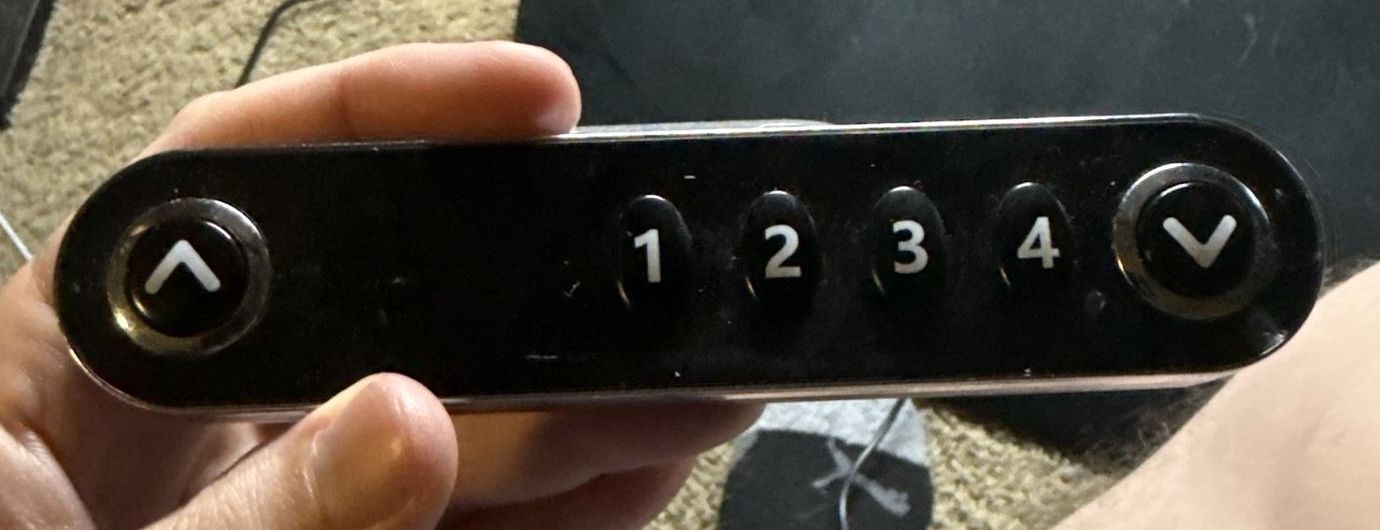
I gave myself three rules:
- No soldering and nothing new to buy. I had an ESP32 dev board, a spare Ethernet cable and a logic analyzer in a drawer. That was the budget.
- Don't wreck the handset. It had to keep working if I ever wanted it back.
- Keep manual control. Automation on top, not instead.
Finding out what the handset actually says
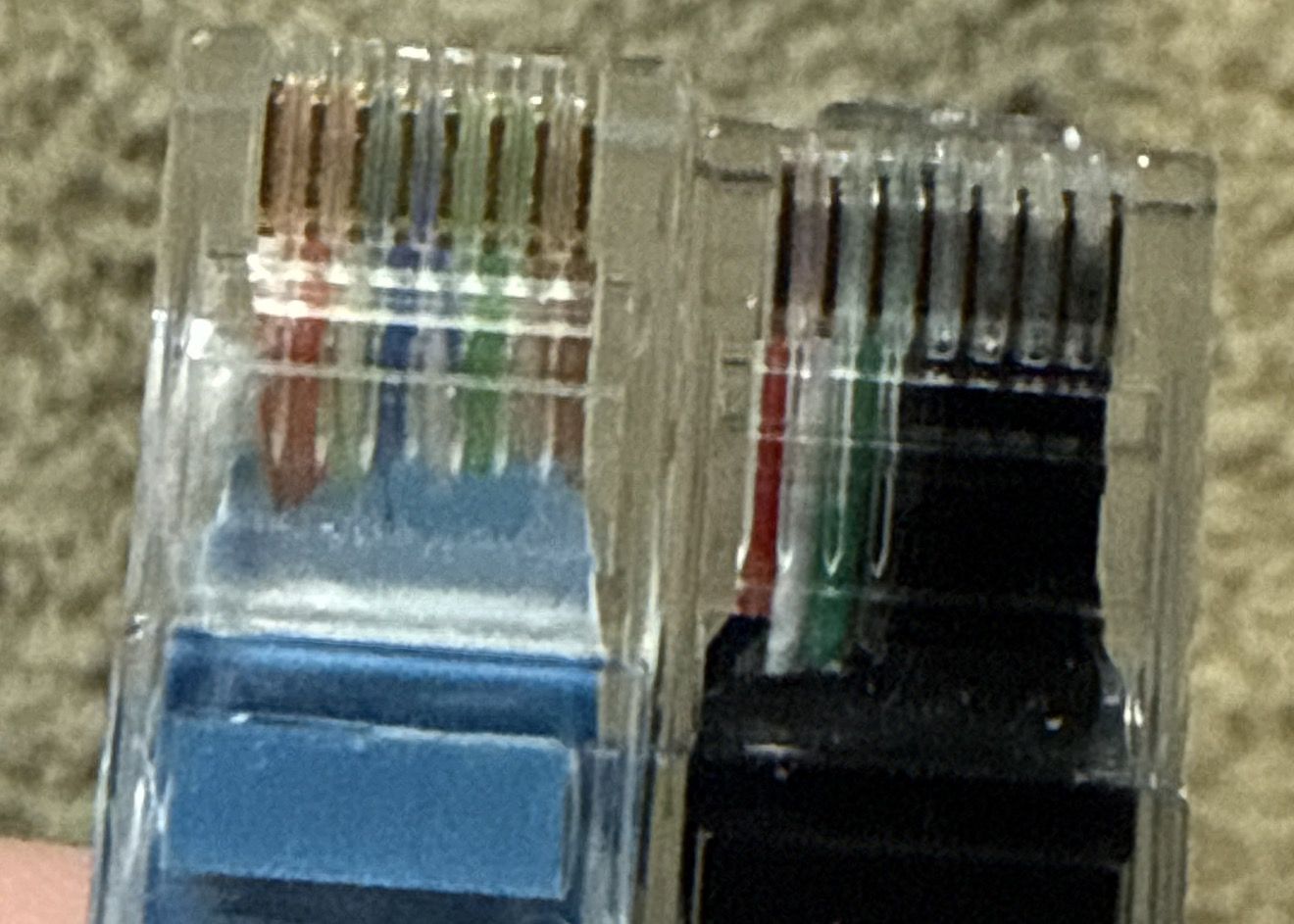
The handset plugs into the control box with what looks like an Ethernet plug. Four of the eight positions are used.
Inside the handset there's very little: buttons, an LED display, and one chip.
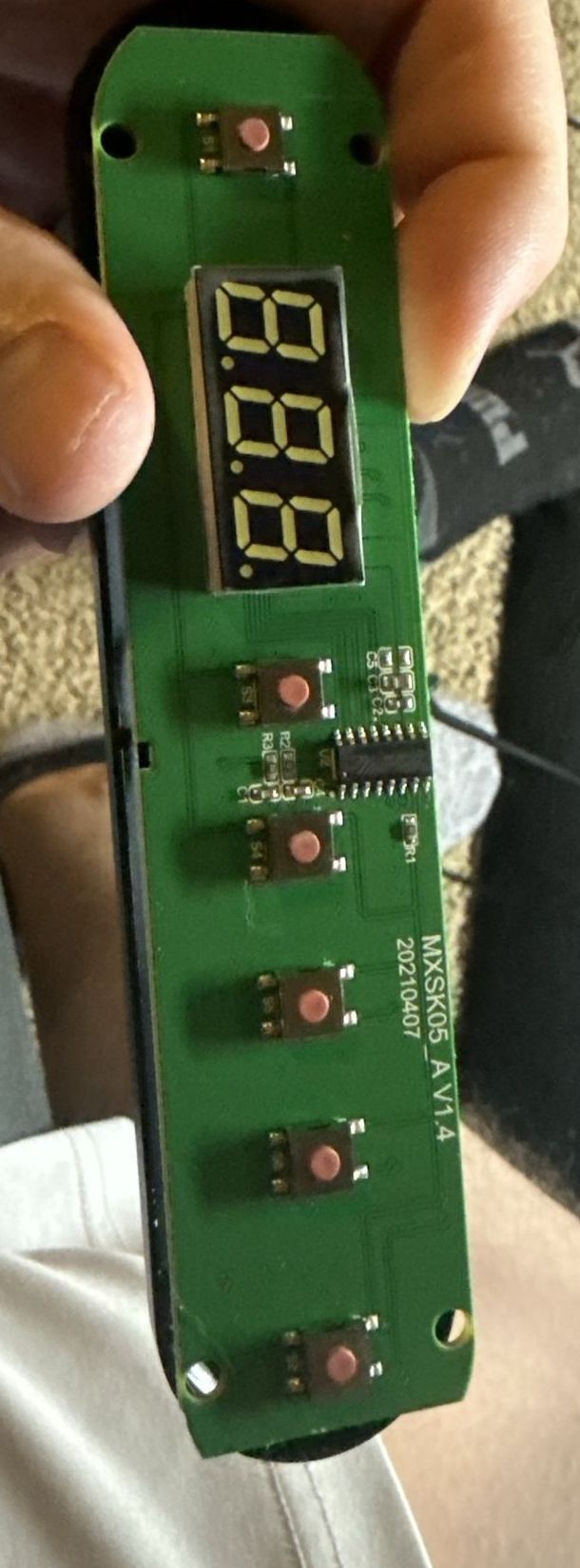
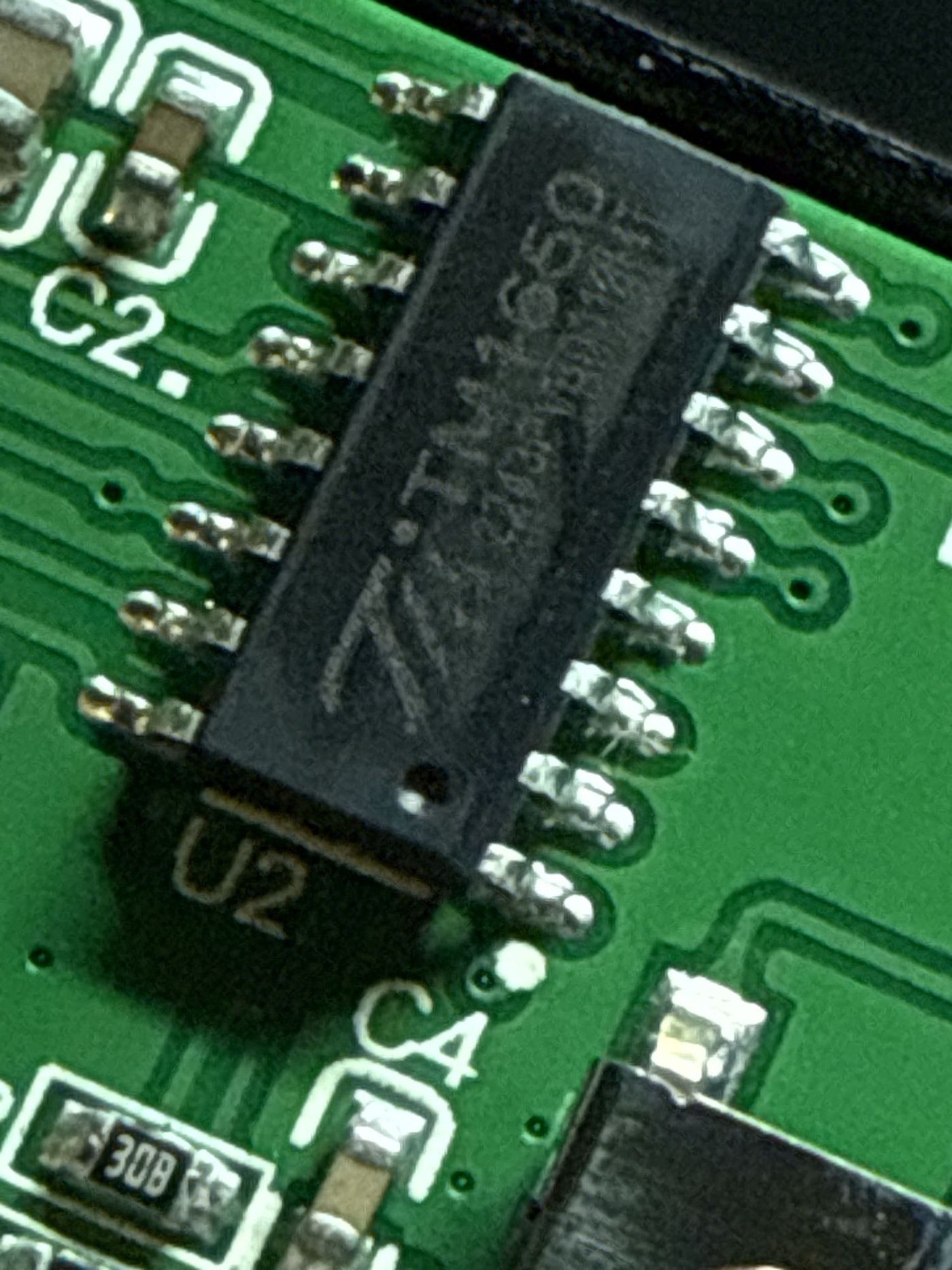
That chip, a TM1650, was the big clue. It's a cheap LED driver and key scanner that talks a two-wire, I2C-like protocol. So the handset isn't sending "go up" commands at all. It's a dumb display and keypad, and the control box is polling it.
The four wires go to pads labelled DAT, K (clock) and GND, plus a 3.3 V supply from the box.
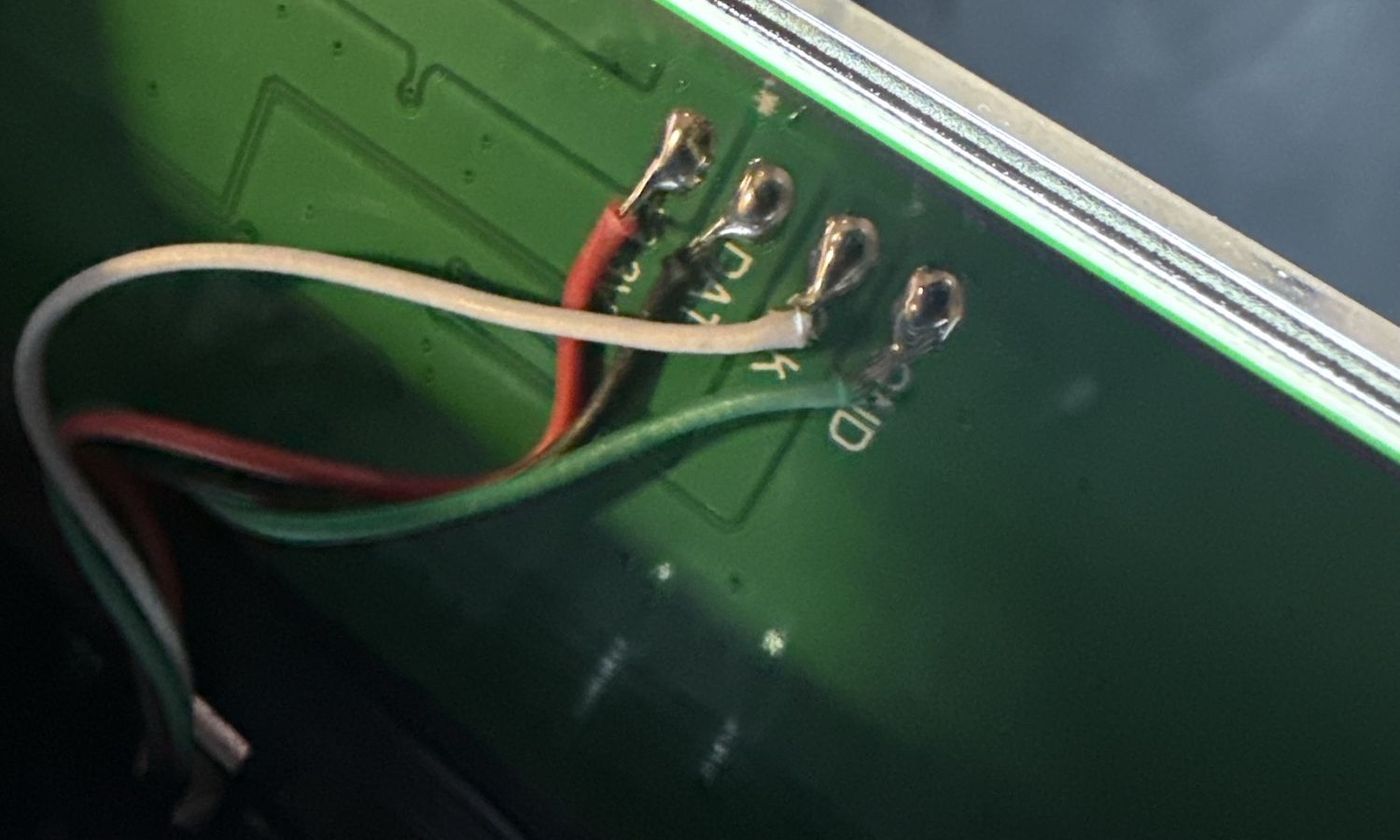
I captured the bus with the logic analyzer while pressing buttons. Every ~3.7 ms the box writes the display digits to the handset and reads back one byte saying which key is held. Pressing a preset didn't light up any other wire, just a different key byte on the data line.
Then I found dong4j/desk-gateway, where someone had already reverse-engineered the exact same handset board: the addresses, the key codes, and the odd segment wiring for the display. My captures matched their notes, which took most of the guesswork out. Two details from there that matter a lot:
- The display bytes aren't the standard 7-segment table. This board has its own wiring, so
0xD3is a 5, not a garbage value. - Holding Up and Down together is the box's factory reset. Never send that.
The plan: the ESP32 is the handset
The obvious approach is to sit an ESP32 next to the handset and fake button presses. That needs soldering onto the buttons, which I'd ruled out.
The better approach is to unplug the handset and have the ESP32 pretend to be it. The control box polls; the ESP32 answers. When Home Assistant wants the desk up, the ESP32 reports "Up is held". And because the box writes the height to the display every few milliseconds, the ESP32 gets the height for free. No separate height sensor needed.
Wiring with no soldering
The handset port takes a normal RJ45 plug, so I cut an Ethernet patch cable, kept the plug end, and put the three wires I needed into a screw-terminal breakout board for the ESP32:
| Pin | Signal | ESP32 |
|---|---|---|
| 2 | Clock | GPIO18 |
| 3 | Ground | GND |
| 4 | Data | GPIO19 |
| 1 | 3.3 V from the box | not connected |
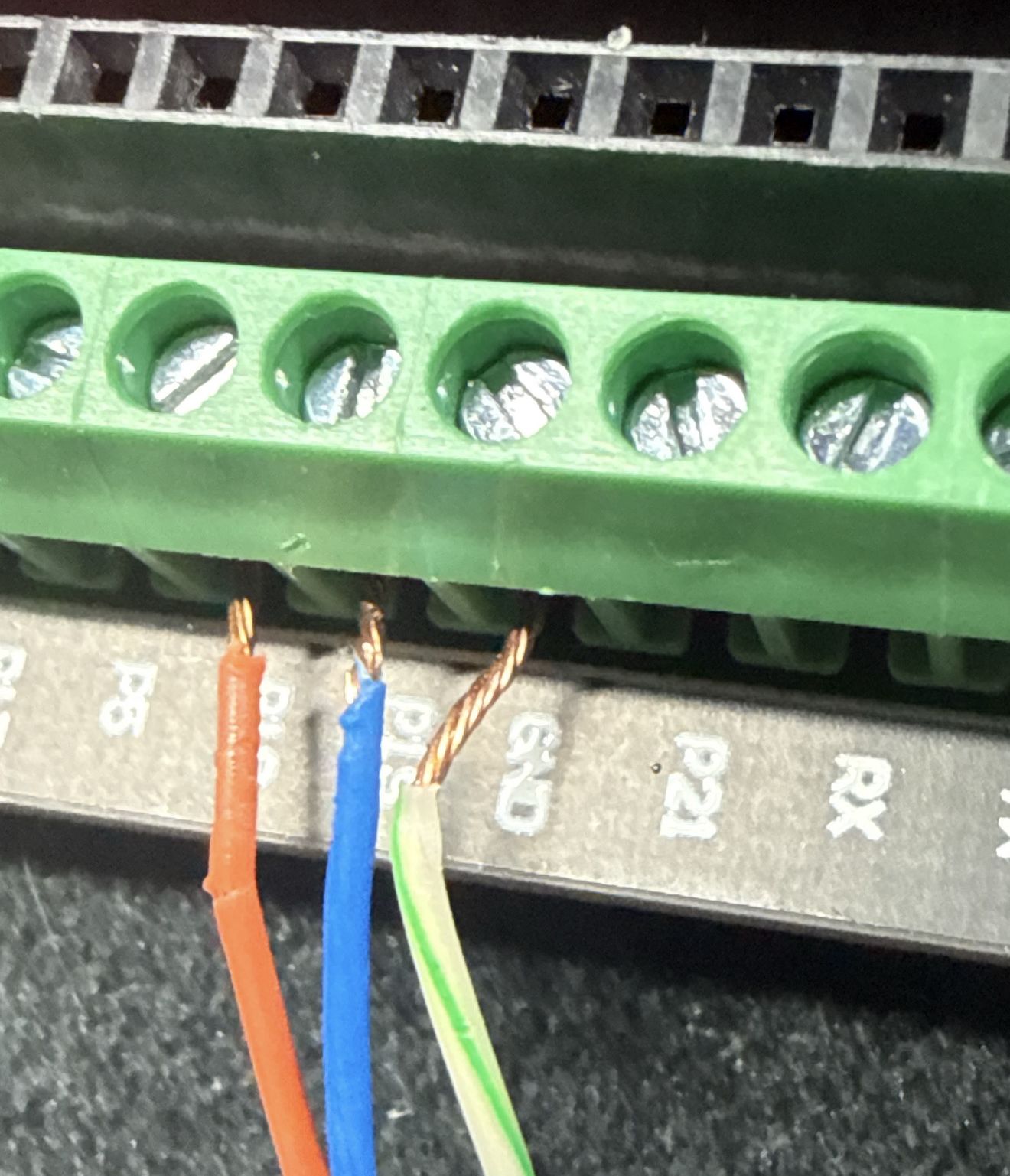
Everything is 3.3 V, so there are no level shifters or resistors. The ESP32's internal pull-ups stand in for the handset's, and it's powered from USB. The handset itself is untouched in a drawer, ready to plug back in.
Firmware
It's ESPHome with one custom C++ header. The ESP32's hardware I2C can't easily act as this particular slave, so the header bit-bangs it: a GPIO interrupt on both pins, pinned to the second core away from Wi-Fi, that
- ACKs the box's display writes and keeps the four digit bytes;
- answers each key read with whatever key the firmware wants "held" right now.
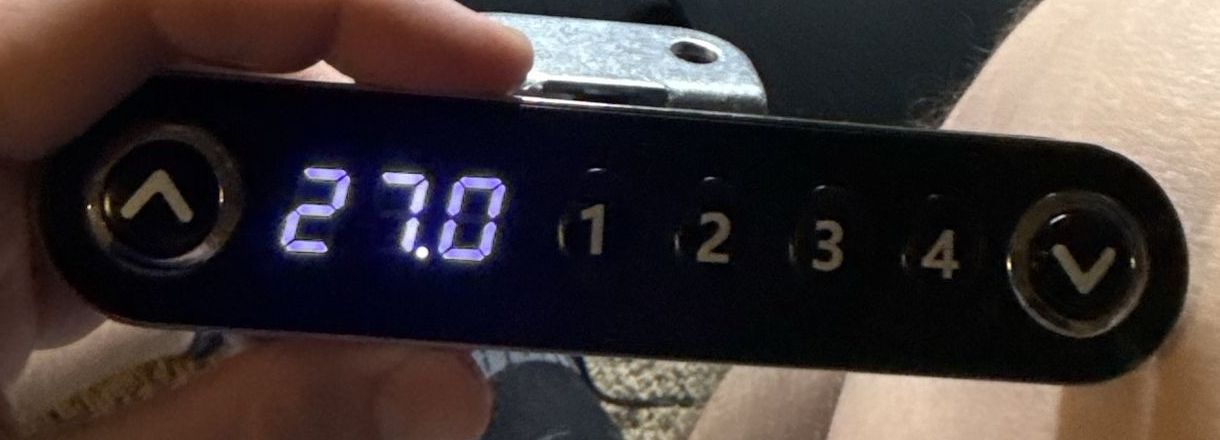
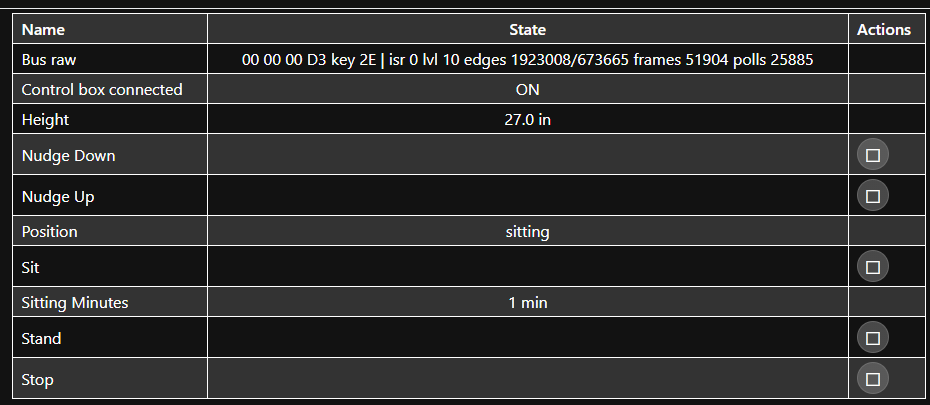
The rest runs in the normal ESPHome loop: decode the digits into a height in inches, and decide which key to hold. Home Assistant shows the same 27.0 the handset would.
Presets were the wrong idea
My first version pressed the box's own presets for Sit and Stand. It kept almost working:
- The box goes to sleep. After a while idle the display blanks, and the first key press only wakes it. Sit would "click" and do nothing.
- A second press stops a moving desk. So the obvious fix, press twice, stopped the desk whenever it wasn't asleep.
- Saving a preset needs a long hold at the right moment, and over this bus it kept running the preset instead of saving it.
Then I realised I was overcomplicating it. I already had the live height in inches. So the firmware stopped using presets entirely and now does go-to-height itself:
- Hold Up or Down toward the target, watching the height.
- Let go a little early, because the desk coasts after release. That margin is a setting ("Stop Early By"), tuned once.
- If the desk hasn't moved within four seconds, the box was probably asleep: let go, press again (up to four times). I started with two seconds, which is probably about when a cold box gets the motor going, so the re-press could stop it again. That's my best explanation for a few auto-sits that clicked and went nowhere.
- Give up if the height stops changing for three seconds (end of travel or something in the way), or after 40 seconds total.
Sit Height and Stand Height are just number settings in Home Assistant now. "Stand is a bit low" is fixed by typing 42.5 instead of reprogramming anything.
Making me stand
The automation lives in Home Assistant, not on the ESP32. The desk only knows whether it's up or down; it doesn't know whether I'm there.
I already had a Zigbee mmWave presence sensor on the desk. A template sensor, "Sitting at desk", is on only when that sensor sees me and the desk is at sitting height. The automation:
- When "Sitting at desk" has been on for the sit limit (a slider, currently 30 min), press Stand.
- Wait for the desk to report standing.
- Wait for the stand duration (another slider).
- Press Sit, but only if I'm still there and the desk is still up. It never lowers an empty desk, and if I've already sat down myself it leaves it alone.
There's also a toggle to turn the whole thing off.
GOTCHA
A state trigger with "for 30 minutes" only starts counting when the state changes. After a Home Assistant restart, with me sitting the whole time, the state never changed and the automation never fired. The fix was a once-a-minute trigger that checks how long "Sitting at desk" has actually been on.
Where it is now
It works day to day: Sit and Stand go to the right height from Home Assistant, the desk wakes reliably, and it stands me up after half an hour. The next step is physical buttons and a small OLED on the ESP32, probably in a 3D-printed case, so the desk has a handset again without needing a phone.
If you have the same MXKZH06 / MXSK05_A desk (or one with a TM1650 handset), the repo has the firmware, wiring, Home Assistant automation and protocol notes needed to build your own.